
These two guardrails are the most important, because they control how much design freedom your team has, and they're the easiest way for a well-meaning member to step outside your brand without realizing it.
Design Control — Classic Slides and Convert to Classic
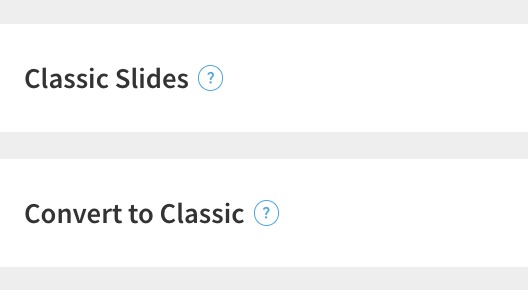
- Classic Slides — "Decide who on your team can design a slide from scratch with our blank, Classic slide." A Classic slide is a blank canvas with no Smart Slide structure. It hands the member full manual control over layout and design.
- Convert to Classic — "Decide who on your team can remove design guardrails by converting Smart Slides to Classic." This takes an existing Smart Slide and strips its design rules, turning it into a free-form Classic slide.
Everywhere else in Beautiful.ai, Smart Slides are the guardrails. They keep spacing, alignment, and proportions on-brand automatically. Classic slides and converting to Classic both do the same thing, they remove those guardrails and give the member complete control. That control is useful for the occasional custom layout, but it also means a member can build something entirely off-brand.
Get comfortable with Classic yourself before you open it to everyone. Keep Classic Slides and Convert to Classic set to Librarians and Owners Only at first. Spend time building with Classic as an admin, see where it helps and where it lets brand consistency slip, and form your own point of view. Once you know how you want it used, you can open it to All Members with guidance, or keep it admin-only and have your team request a Classic slide when they truly need one. Opening full design control to a whole team on day one is the fastest way to undo the brand work you just did.
To note: When a Smart Slide is converted to Classic, it loses the automatic design rules that kept it on-brand. If this is open to everyone, a single click can turn a polished, on-brand slide into a free-form canvas.
Comments
Article is closed for comments.