
These three guardrails decide where your team can pull images and video from while they build.
Imagery and Media
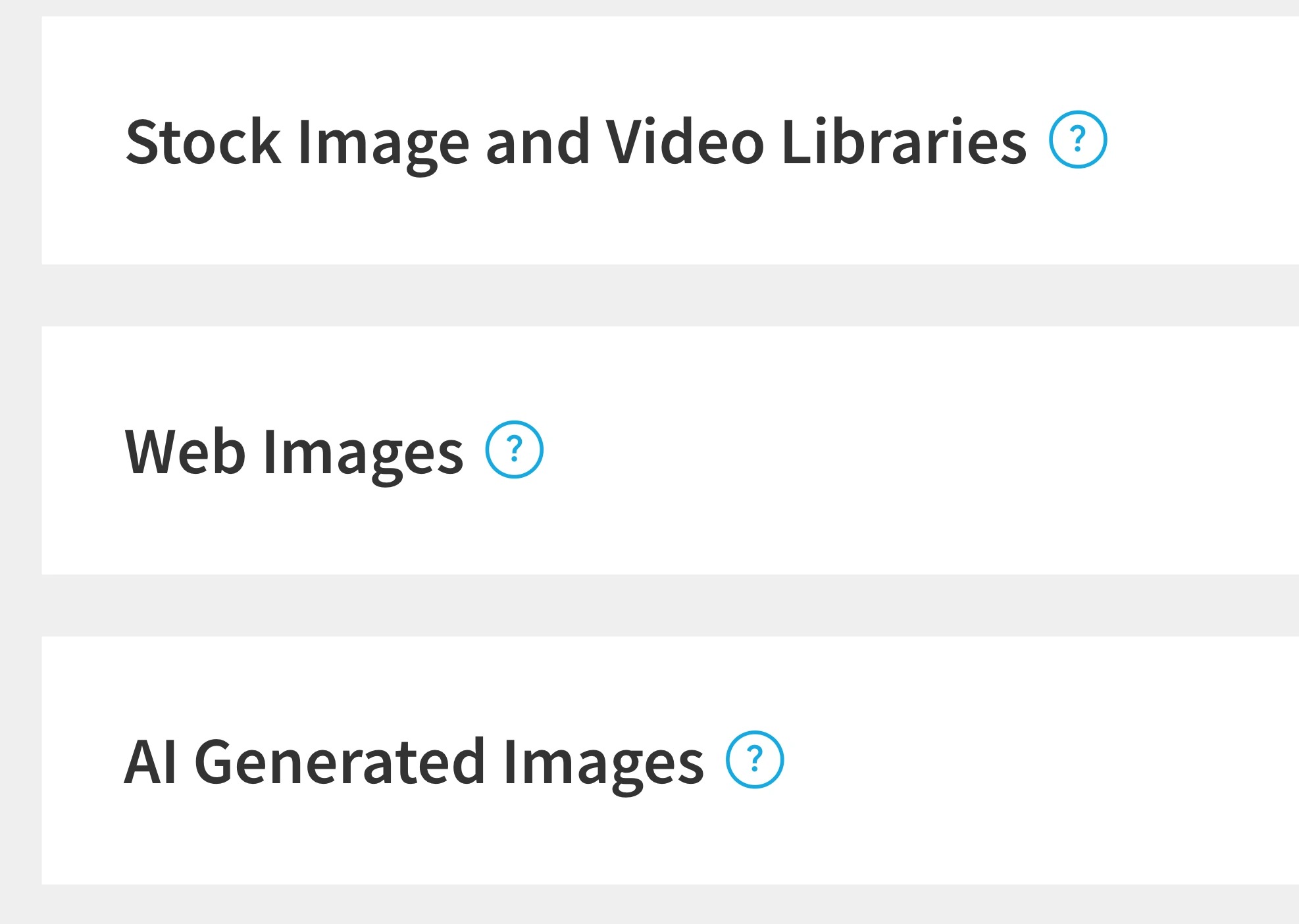
- Stock Image and Video Libraries — "Decide who on your team has access to our stock media library, in addition to Team Assets, icons, logos and media upload." Controls the built-in stock library plus icons, logos, and direct media uploads.
- Web Images — "Decide who on your team has access to our web image search, in addition to Team Assets, icons, logos, and media upload." Controls the in-app web image search.
- AI Generated Images — "Decide who on your team can use AI to generate images." Controls whether members can generate images with AI.
Restricting imagery doesn't leave your team empty-handed. A common worry is that closing off stock or web images will make decks look bare. It won't, as long as you've built out your Team Assets. When these sources are limited to admins, members still draw from the approved logos, icons, and brand imagery you loaded into the asset library. That's often the point: you're steering everyone toward your real brand visuals instead of generic stock. If you haven't built your asset library yet, do that before you tighten these.
A note on AI images and brand control: AI image generation is powerful, but generated visuals can drift off-brand fast. Some teams keep this open to everyone for speed; others limit it to admins so AI imagery gets a second look before it lands in a customer-facing deck.
Comments
Article is closed for comments.